

WordPress Performance Tuning: 5 Quick Fixes
Published on:
August 11, 2026
Improve WordPress speed with five practical fixes for updates, images, caching, Redis, plugins, and hosting diagnostics.
Discover essential WordPress Guides with tips, tutorials, and best practices to build and optimize your website.
Improve WordPress speed with five practical fixes for updates, images, caching, Redis, plugins, and hosting diagnostics.

Redis cache can cut your WordPress database load by up to 80% and drop your TTFB to under 200ms. Here is how to set it up in under 5 minutes on WebHostMost – no server configuration needed.
WordPress hosting too slow? No caching plugin will fix a slow server. Learn how to identify the bottleneck and what a fast LiteSpeed, Redis, PHP 8.3 hosting stack looks like.
Your WordPress site runs 25 plugins average—how many have you audited? 333 new vulnerabilities emerge weekly. 52% of developers don’t patch disclosed flaws. Gravity Forms compromised. Backdoors disguised as security tools. Learn to vet plugins before they compromise your site.

WordPress security extends beyond plugins. Web servers protect through file permissions, PHP security configuration, ModSecurity WAF, database isolation, and SSL enforcement – security layers WordPress plugins cannot implement alone.

This comprehensive guide reveals how to achieve genuine 100/100 Google PageSpeed scores on WordPress through proper LiteSpeed Cache configuration – specifically advanced features most users never enable: Redis Object Cache, Guest Mode caching, database optimization, and intelligent image handling. The difference between “installed LiteSpeed Cache” and “properly configured LiteSpeed Cache” often separates 3-second load times from sub-1-second performance.

Complete WordPress migration guide: move your site to new hosting with zero downtime, no lost data, and no SEO damage. Manual and plugin methods explained step by step.
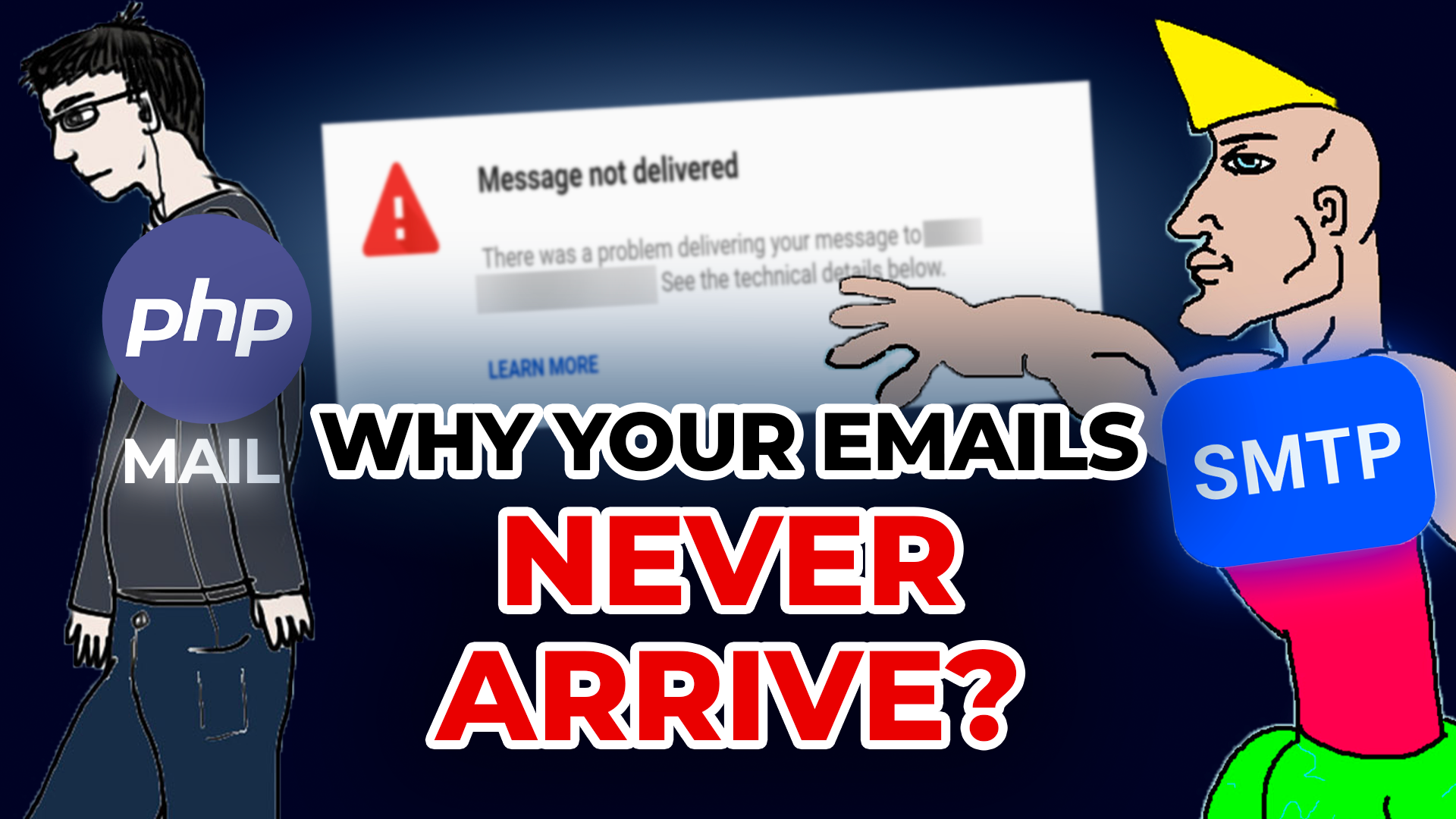
Contact forms submit, password resets send, orders confirm – but customers never receive emails. You’re losing sales without knowing. WordPress PHP mail() achieves only 64% delivery. Learn SMTP configuration that works.

You run daily backups. Plugin shows success. Then disaster strikes – backups don’t work. Files corrupt, restore fails. Learn the 3-2-1 backup rule, why testing matters, and how to build backups that actually protect.

Hide wp-login.php, change database prefix, install security plugins – you follow the advice, still get hacked. Most WordPress security is theater. Learn what actually protects your site based on real attack data.